Sample Mode
Sample Mode
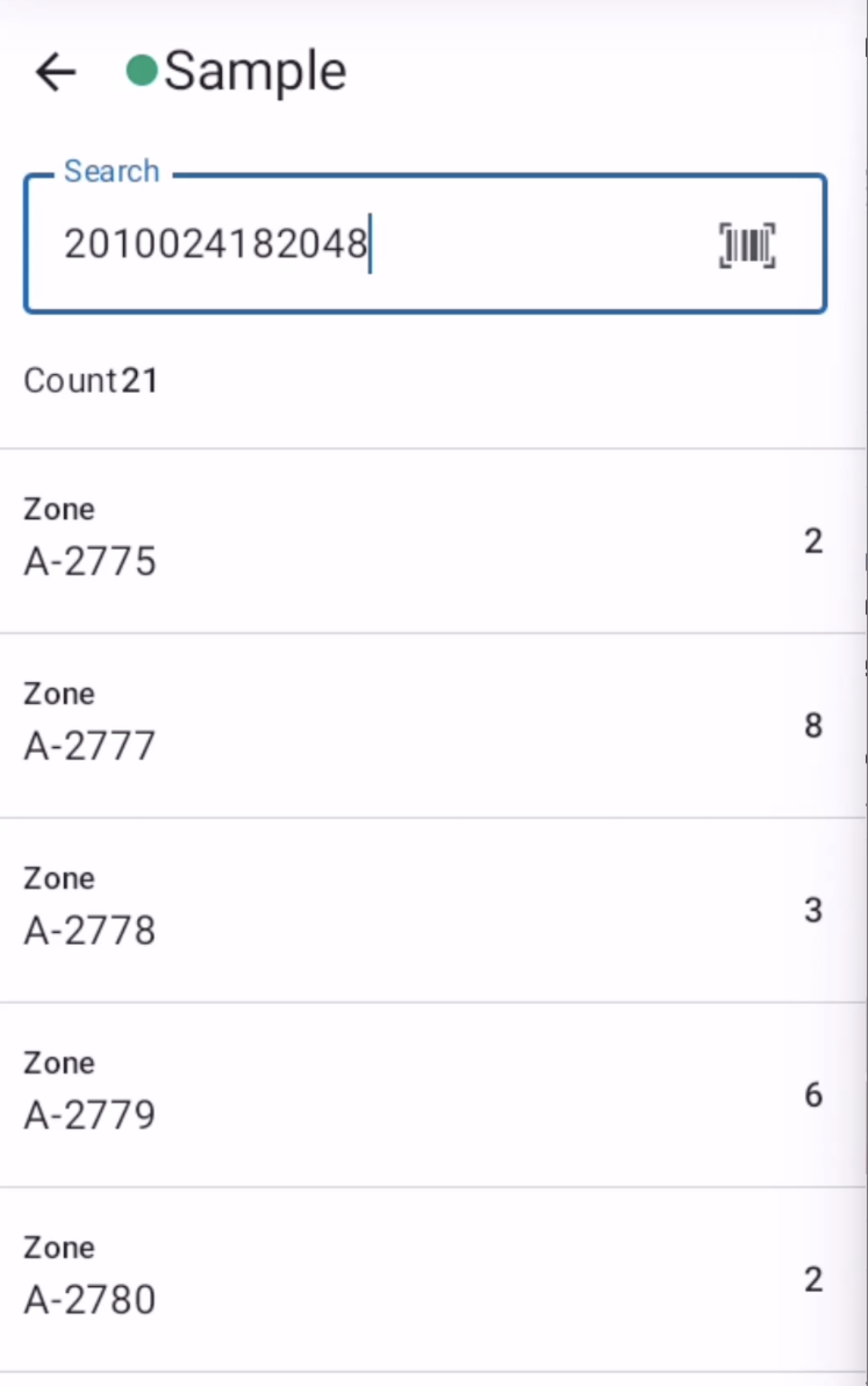
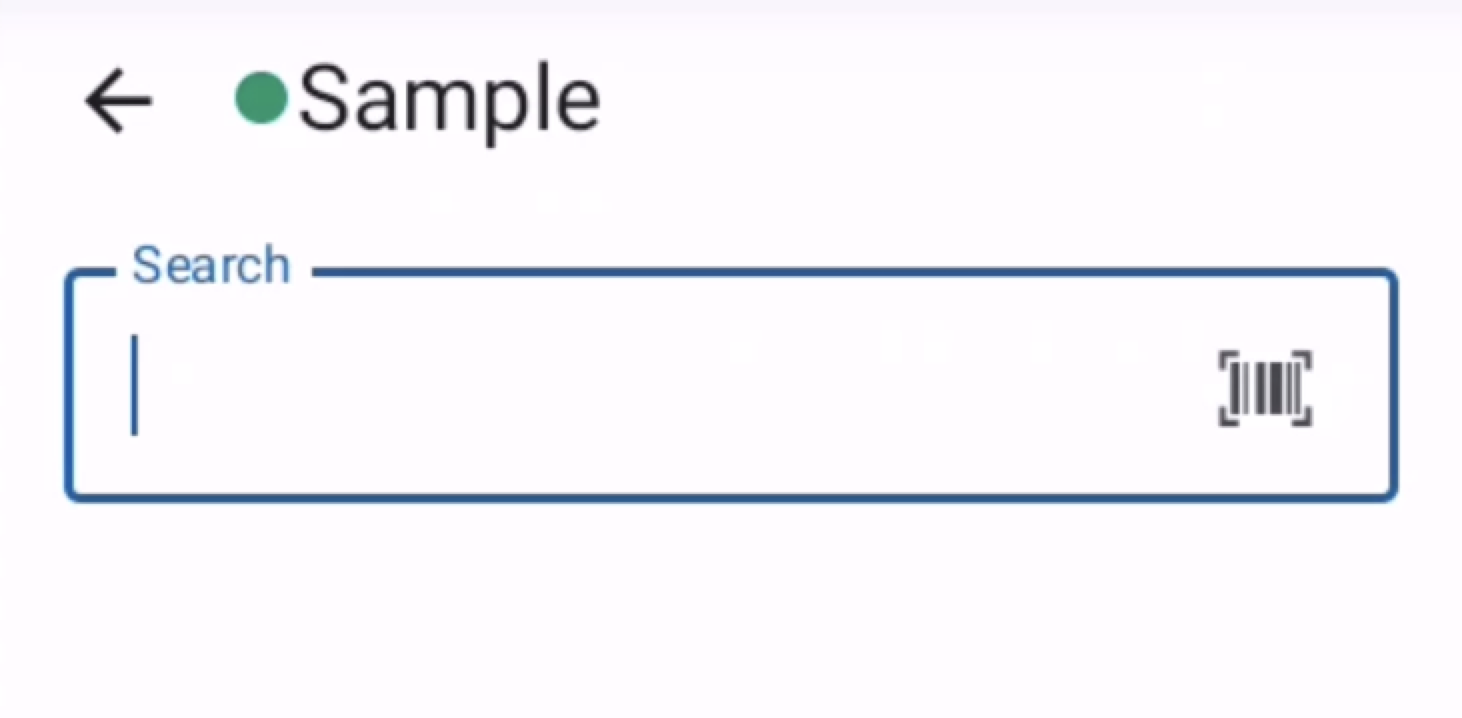
The Sample screen allows users to look up scan history for a specific item by entering or scanning its barcode.
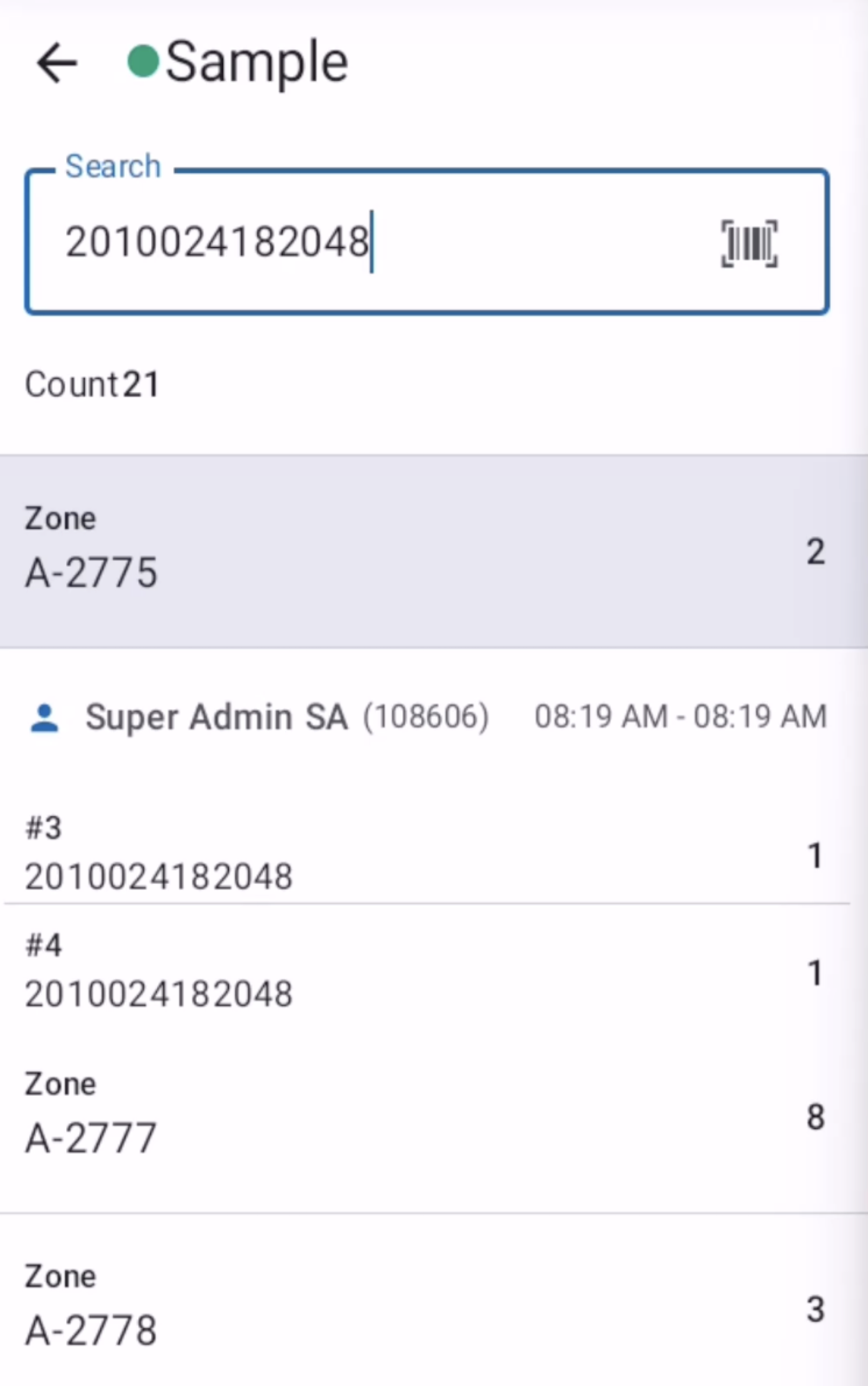
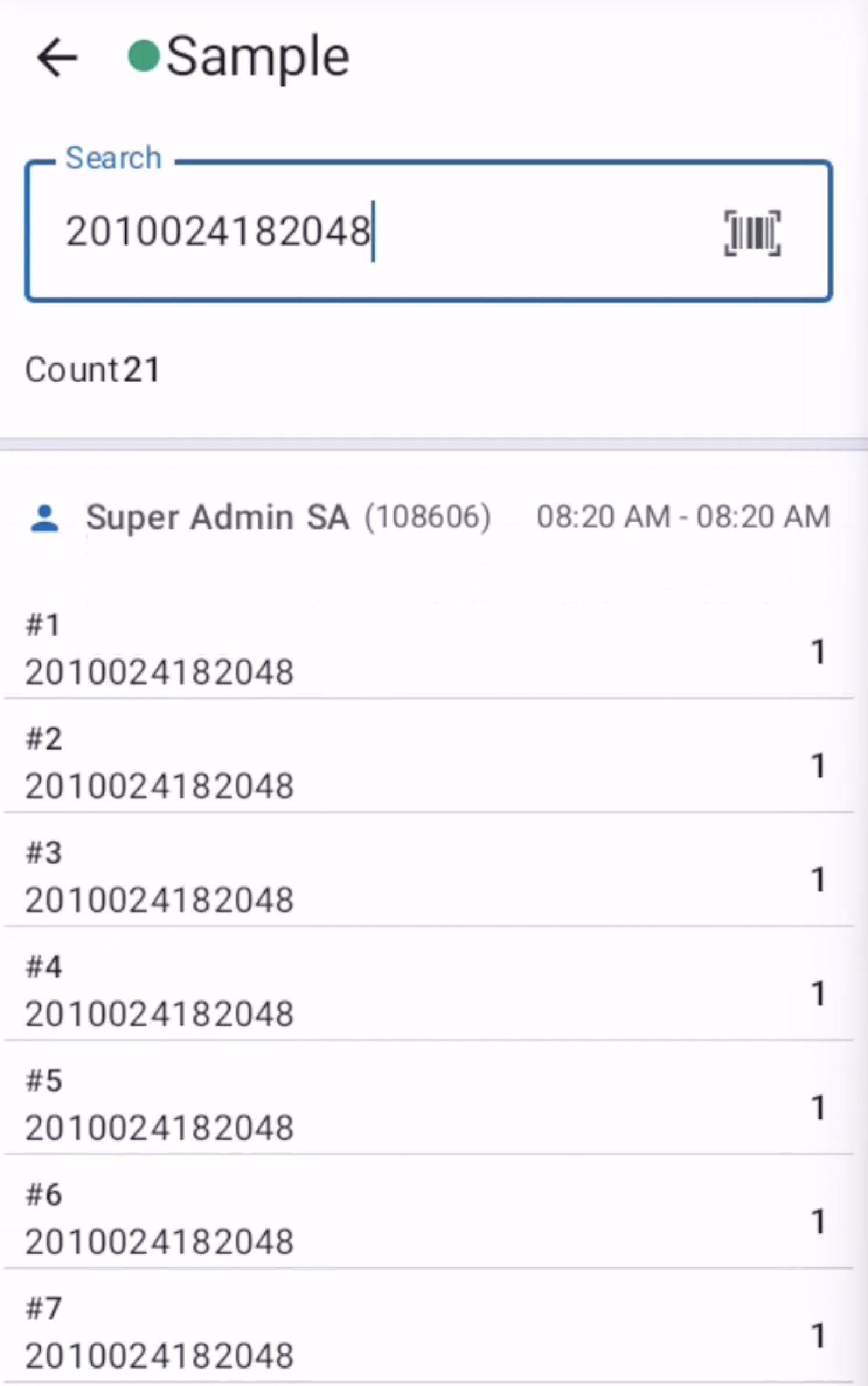
The system retrieves all previous scans of that item across different zones and sessions, displaying the count, zone codes, scanner usernames, session dates, and scan positions. This helps users verify how many times an item has been scanned and by whom.
Fields
- Matching Barcode: The barcode or identifier of the item to look up scan history for.
Result
- Count: Number of times the barcode has been identified across all zones.
- Zone Codes: List of all zones in which the barcode has identified.
- Zone Details: Each zone has its own sessions and user details are shown here.
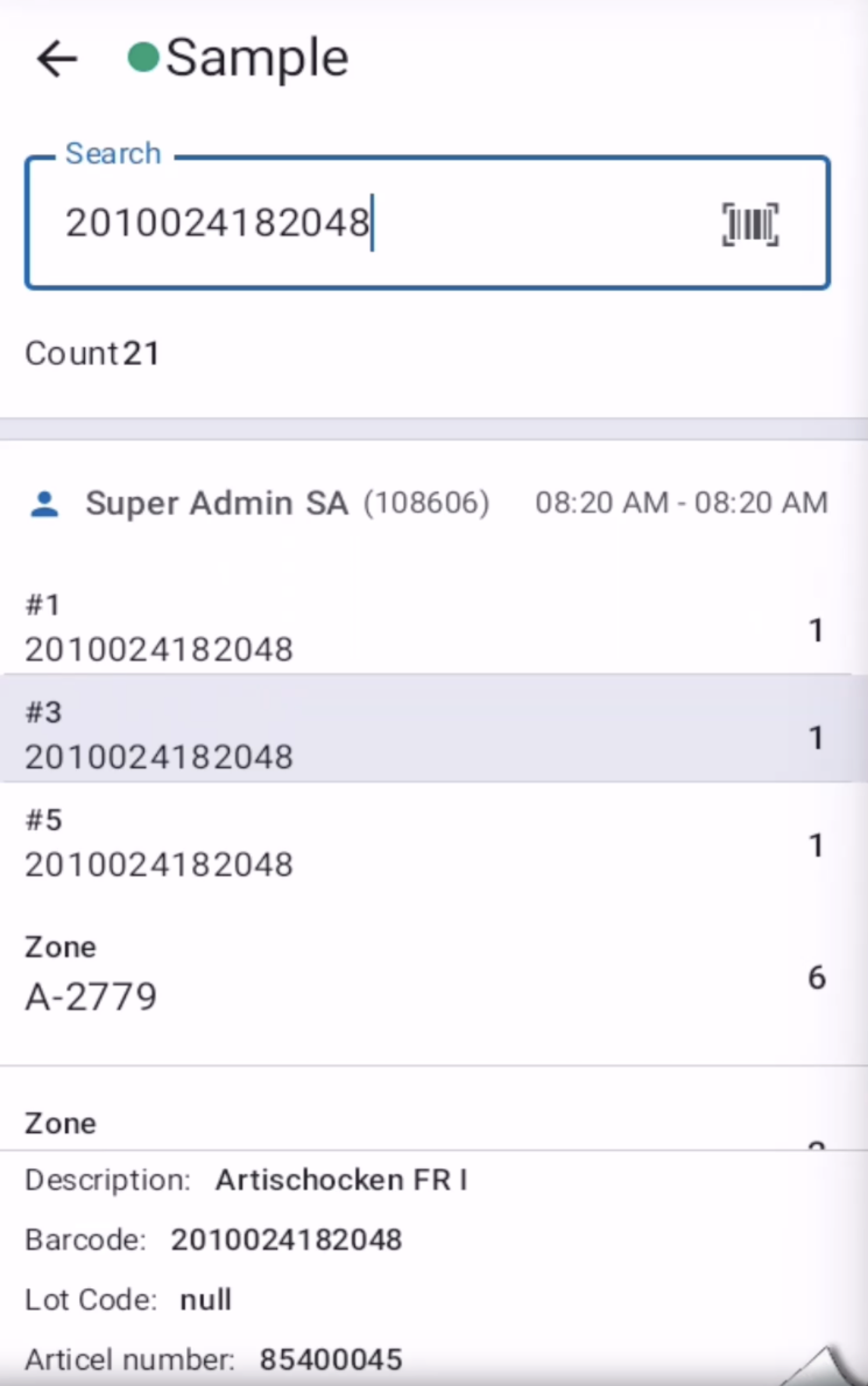
- Item Details: Searched barcode returns an item for which details (Description, Lot Code, etc) are shown here. The search and return details and the field mappings can be controlled through the Sample Mode configuration.