Stripes Help Center
Browse through the key features of the platform, from basic setup to advanced workflows.
Get Started
Manage Projects
Set up stocktaking projects, define counting checks, assign teams, and customize project settings.
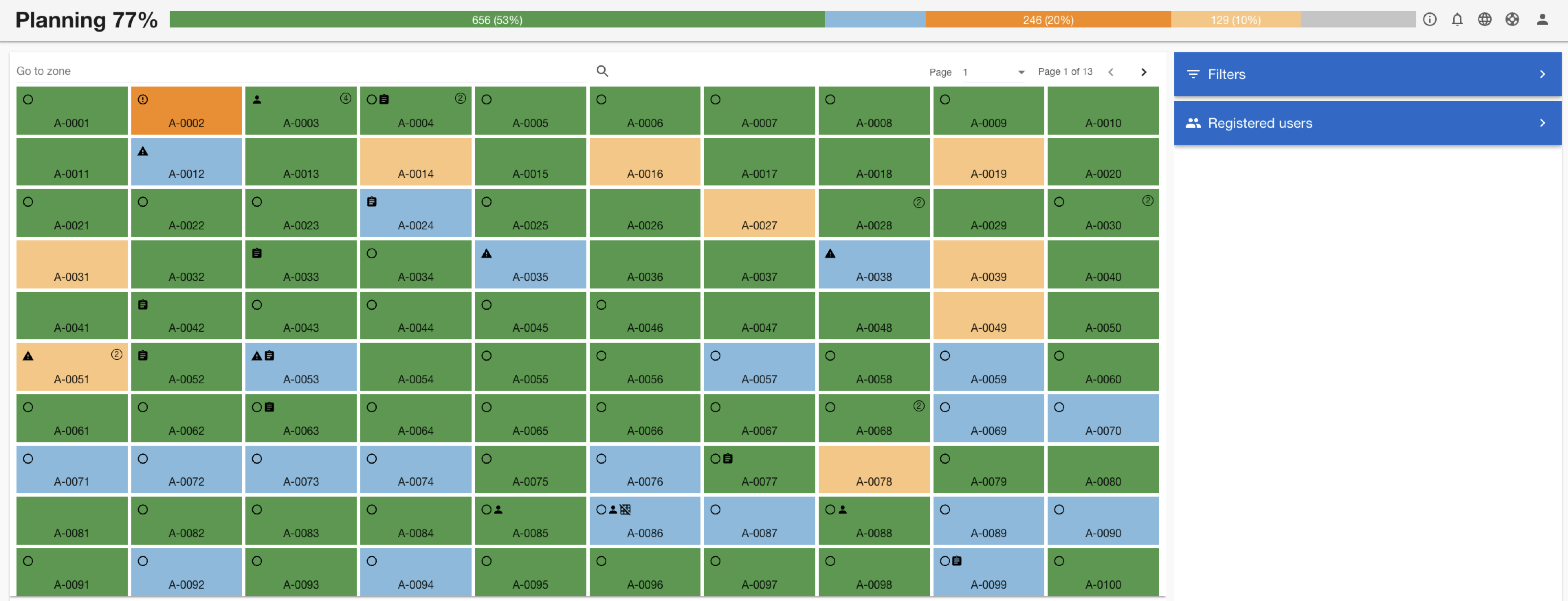
Learn More
Project Live Tracking
Monitor progress in real time with live dashboards, progress indicators, and detailed reports.
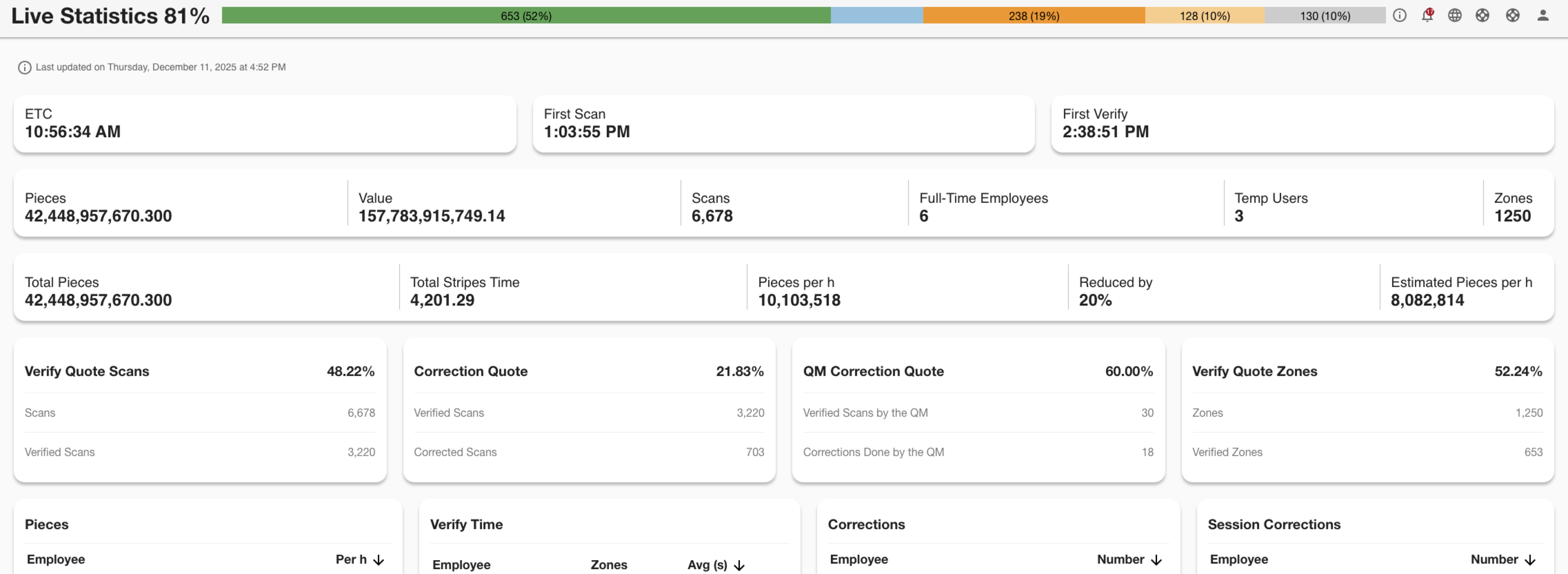
Learn More
Quality Assurance
Set up customized rules to ensure that the quality standards are kept for your customers.
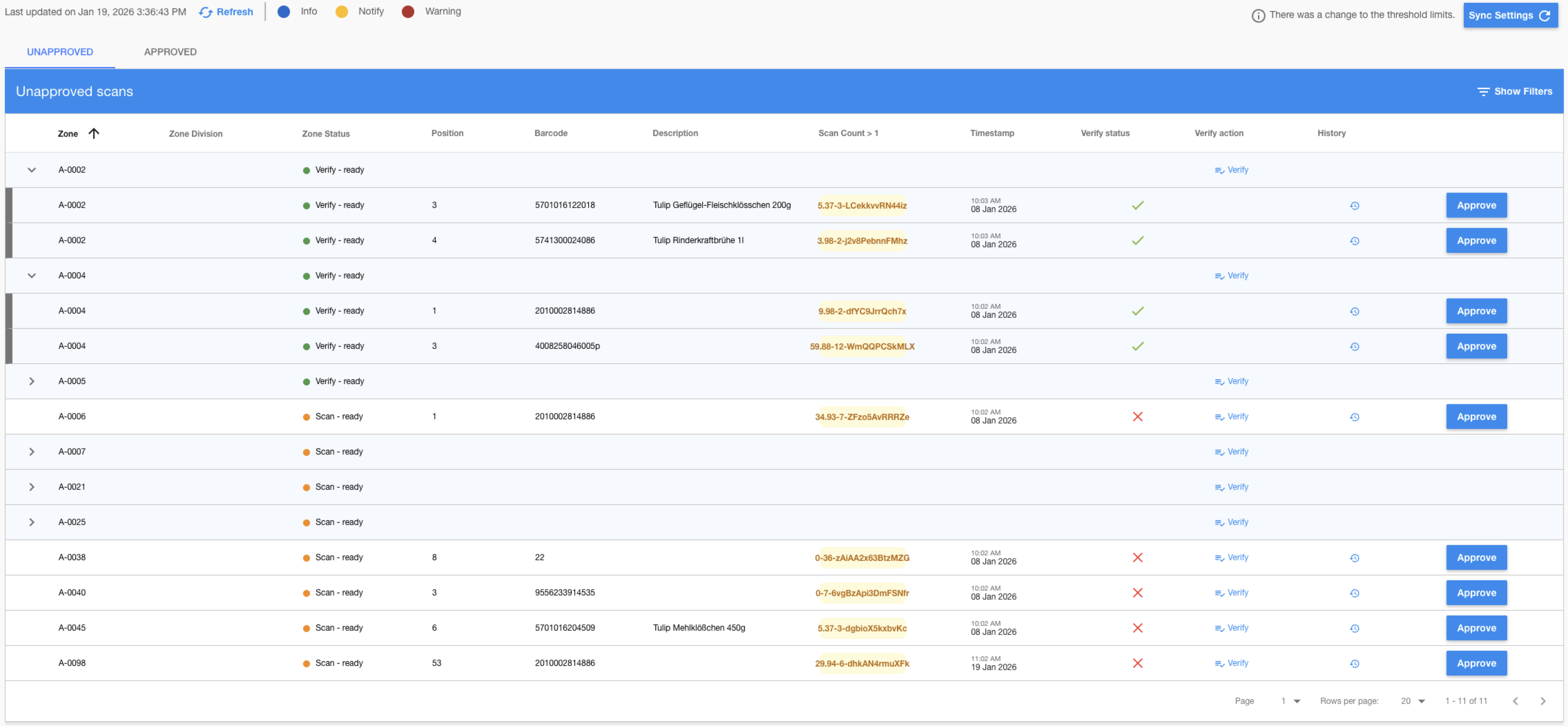 Learn More
Export Results
Based on predefined criteria and code, export the results of a project and forward to the customers.
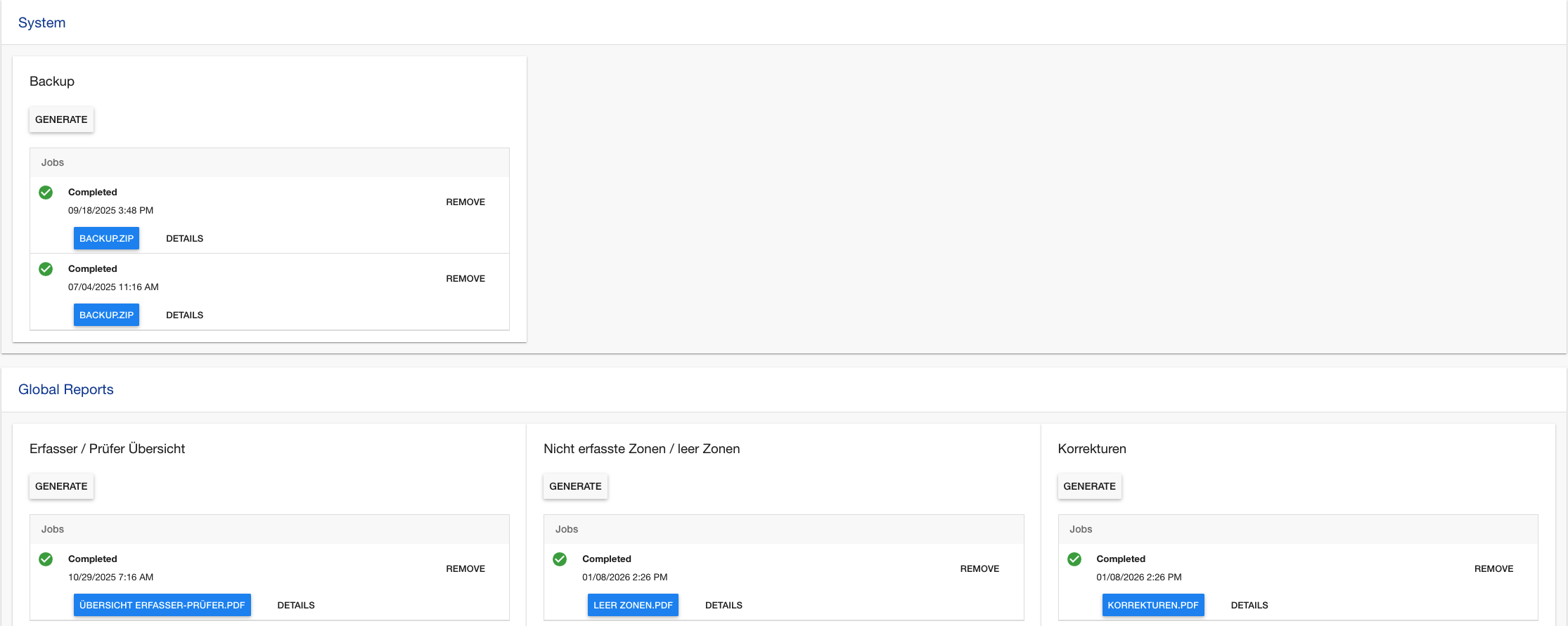
Learn More
Android Application
Use the Stripes Android app to scan products, verify counts, and follow guided stocktaking workflows.
Get started with the Stripes app →In a glance:
1. Scan: Scan barcodes and record the count.
2. Verify: Review and correct results to ensure accuracy.
3. Quality Assurance: Validate stock through targeted sample checks.

